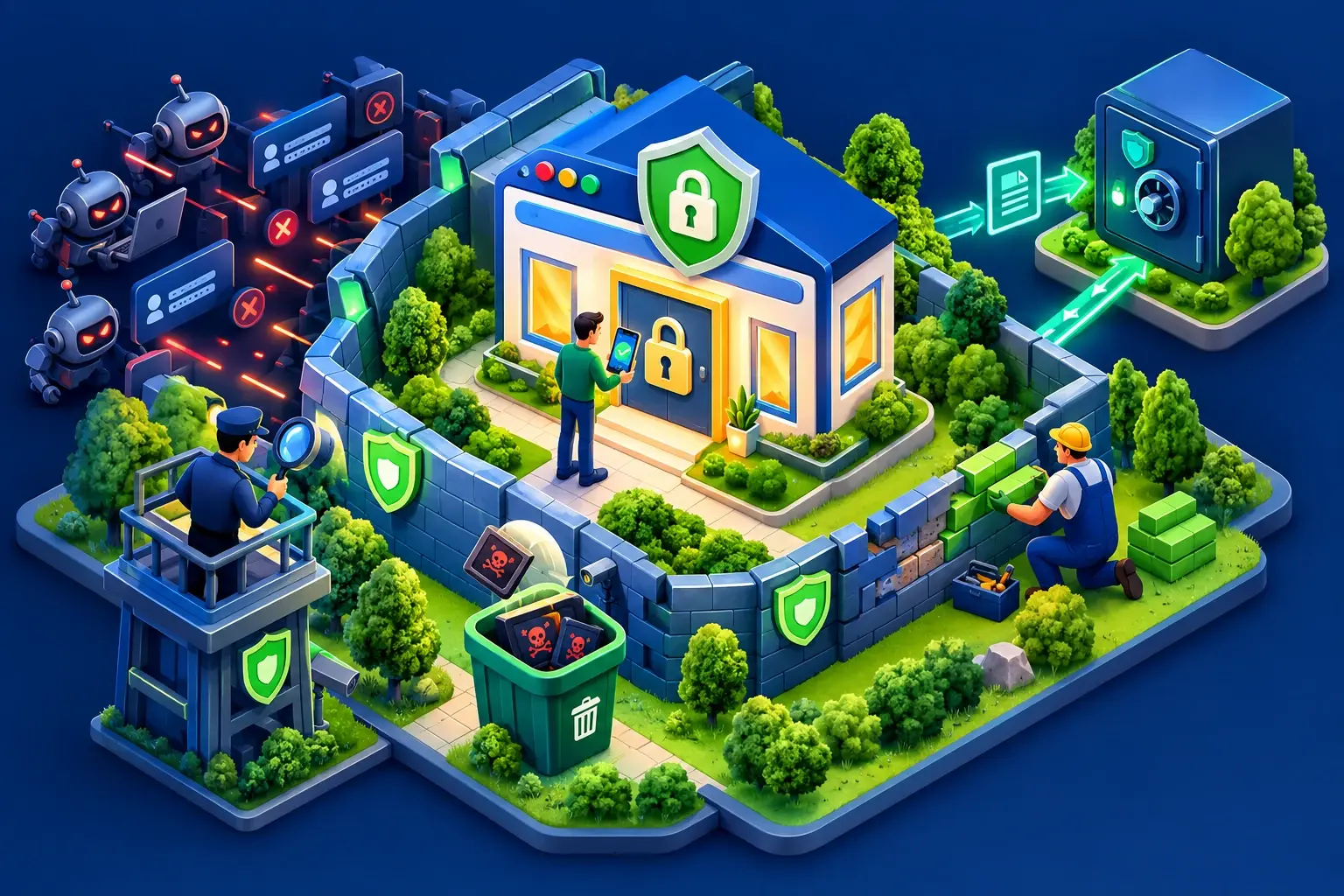
In short: most hacked WordPress websites are compromised through an out-of-date plugin or theme, a weak password or "cracked" software. Updating regularly, turning on two-factor authentication, backing up automatically and only installing official plugins removes most of the risk.
Why are WordPress websites targeted?
WordPress powers a considerable share of the world's websites. Attackers therefore don't go after "your" site in particular: bots scan the Internet constantly for known vulnerabilities. A vulnerable site will be found sooner or later, however small it is.
The consequences are real: defaced pages, redirects to fraudulent sites, spam sent from your server (and your own email flagged as junk), a site blacklisted by Google, exposed customer data.
The 12 essential measures
1. Update WordPress, themes and plugins
This is the most important measure. Updates fix publicly known vulnerabilities that bots exploit within days. Turn on automatic minor updates and check your dashboard at least once a week.
2. Remove what you don't use
A deactivated but installed plugin is still a potential way in. Delete unused themes and plugins.
3. Never install "nulled" themes or plugins
Pirated versions of premium themes, easy to find for free, very often contain backdoors. Saving a few thousand francs can cost you your whole website. Buy the licences or choose free alternatives from the official directory.
4. Use strong, unique passwords
A password manager (Bitwarden, 1Password, KeePass) lets you have a long, different password for every login: WordPress, cPanel, email, FTP.
5. Turn on two-factor authentication (2FA)
With a 2FA plugin, a one-time code generated on your phone is required at login. Even if your password leaks, access stays protected.
6. Don't use "admin" as a username
It is the first username bots try. Create an administrator account with a custom name and delete the "admin" account.
7. Limit login attempts
A security plugin can temporarily block an IP address after several failures, which stops brute-force attacks.
8. Give every user the right role
A writer doesn't need to be an administrator. Assign "Editor" or "Author" roles as needed, and remove accounts belonging to former staff or contractors.
9. Serve the whole site over HTTPS
An SSL certificate encrypts traffic between visitors and the site, including passwords and forms. At ZoomLab, it is included and renewed automatically.
10. Back up automatically, and off the server
Schedule regular backups (files and database) and keep a copy somewhere other than the server: cloud storage or your own computer. Test a restore at least once: an untested backup is just a hope.
11. Choose hosting that protects you upstream
A good host isolates accounts, keeps the server up to date, filters malicious traffic, scans files and alerts you to suspicious activity. It is the first line of defence, the one you never see.
12. Monitor your site
Turn on your security plugin's notifications, add your site to Google Search Console (which alerts you if hacking is detected) and check from time to time that your pages display normally.
What to do if your site is hacked
- Don't panic, and don't delete anything in a hurry.
- Change every password: WordPress, cPanel, FTP, database, email.
- Contact your host: they can identify modified files and help you restore a clean backup.
- Restore a backup from before the hack, then update everything immediately.
- Find the cause (vulnerable plugin, compromised password) so it doesn't happen again.
- Request a review from Google in Search Console if your site was flagged.
Frequently asked questions
Is a security plugin enough?
No. It is useful, but it doesn't replace updates, backups or strong passwords. Security is a set of habits.
How often should I back up?
For a showcase site that rarely changes, a weekly backup is enough. For a shop or a site updated daily, aim for a daily backup, keeping several versions.
Is my small website really of interest to hackers?
Yes, because attacks are automated: bots don't pick targets by size but by vulnerability. Your server can be used to send spam or host fraudulent pages.
Want hosting that does its share of the work? Explore our hosting plans with SSL, backups and anti-spam protection included.
From reading to doing
Register your .cm or launch your website with reliable hosting, payable with Mobile Money.