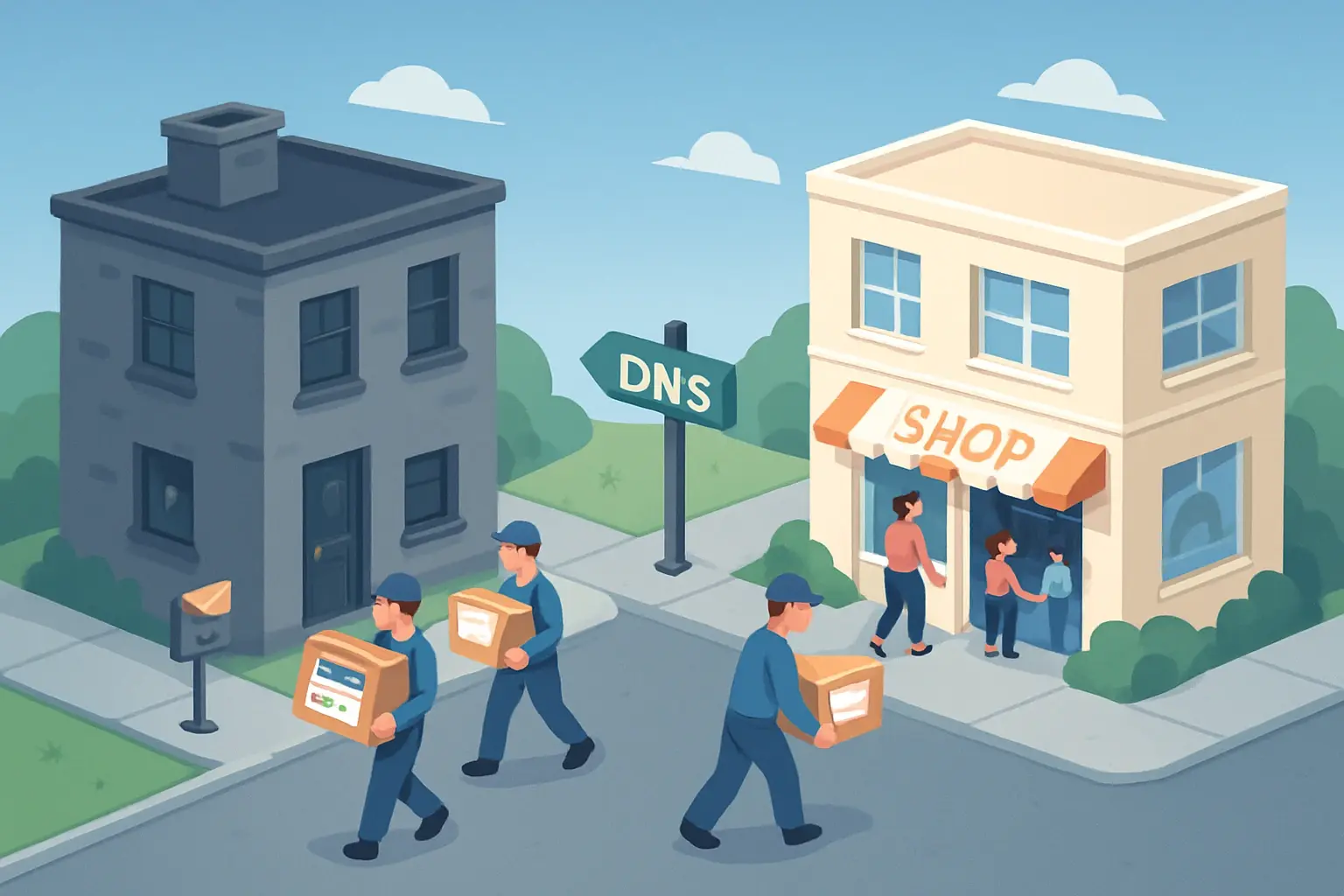
In short: a successful migration follows this order: back up, copy the website and email to the new host, test before switching, lower the DNS cache time (TTL), switch the DNS, then keep the old hosting active for a few days. Follow these steps and your visitors see no interruption and no email is lost.
Why change web host?
The most common reasons: support you can't reach, slowdowns, a renewal price that has doubled, payments that are complicated without an international bank card, or the need for a local contact who speaks your language. The good news: changing host is a well-understood operation, as long as you prepare it.
Before you start: take stock
List everything currently hosted:
- the website (files) and its database;
- email accounts and their content;
- subdomains (
shop.,blog.…); - special DNS records (Google Workspace, Microsoft 365, domain verifications, marketing tools);
- scheduled tasks (cron) and specific settings;
- the renewal dates of the old hosting and the domain name.
Does the domain name have to change registrar?
Not necessarily. The domain name and the hosting are two separate things: you can migrate the hosting by simply changing the DNS, then transfer the domain later if you wish. At ZoomLab, we can handle both, including transferring your .cm.
The 7 steps of a migration
1. Make a full backup
Before anything else, download a full backup: files, database and email. In cPanel, the "Backup" tool does this in a few clicks. Keep it on your computer.
2. Prepare the new hosting
Create the space with the new host, using the same PHP version as the old one (you can upgrade it later, once everything is checked).
3. Copy the website and database
Transfer the files, import the database and update the connection settings (the wp-config.php file for WordPress). Between two cPanel servers, restoring a full backup does everything in one go.
4. Test before switching
This is the step many people skip. Using a preview address or your computer's hosts file, view the website on the new server before the public is sent there. Check pages, forms, payments and member areas.
5. Lower the DNS TTL
The TTL is how long Internet providers remember your server's address. Lower it to 5 minutes (300 seconds) at least 24 hours before switching: the change will then spread much faster.
6. Switch
Change the name servers (or the A and MX records) to point to the new host. Do it at a quiet time, such as in the evening. For a few hours, some visitors see the old server and others the new one: that is why both must show the same website.
7. Recover the last emails and keep the old hosting for a few days
After switching, retrieve emails that reached the old server during propagation (via IMAP or your host's migration tool). Only cancel the old hosting after one or two trouble-free weeks.
Classic pitfalls
- Forgetting special DNS records: Google verifications, SPF, DKIM, subdomains. Note them all before switching.
- Cancelling the old hosting too soon: you risk losing email or a backup.
- Changing the website during the migration: freeze content (no new orders or articles) during the final copy, or re-sync just before switching.
- Forgetting the SSL certificate: make sure it is active on the new server from the moment you switch, to avoid the "Not secure" warning.
Frequently asked questions
How long does a migration take?
For a typical showcase or WordPress website, preparing and copying takes a few hours. DNS propagation can take from a few minutes to 24-48 hours depending on the TTL. All in, allow one to three days from start to finish, with no visible interruption.
Will I lose my Google ranking?
No, as long as your page addresses stay the same. Changing servers doesn't affect your ranking; a faster site may even improve it.
Will my emails be lost?
No, if you copy existing mailboxes before switching and recover messages that arrive during propagation. That is exactly why you keep the old hosting active for a few days.
Want us to handle it for you?
At ZoomLab, migration is free with our hosting plans: we move your website, databases and email, test everything, then switch over when it suits you. Request your migration or compare our plans.
From reading to doing
Register your .cm or launch your website with reliable hosting, payable with Mobile Money.